
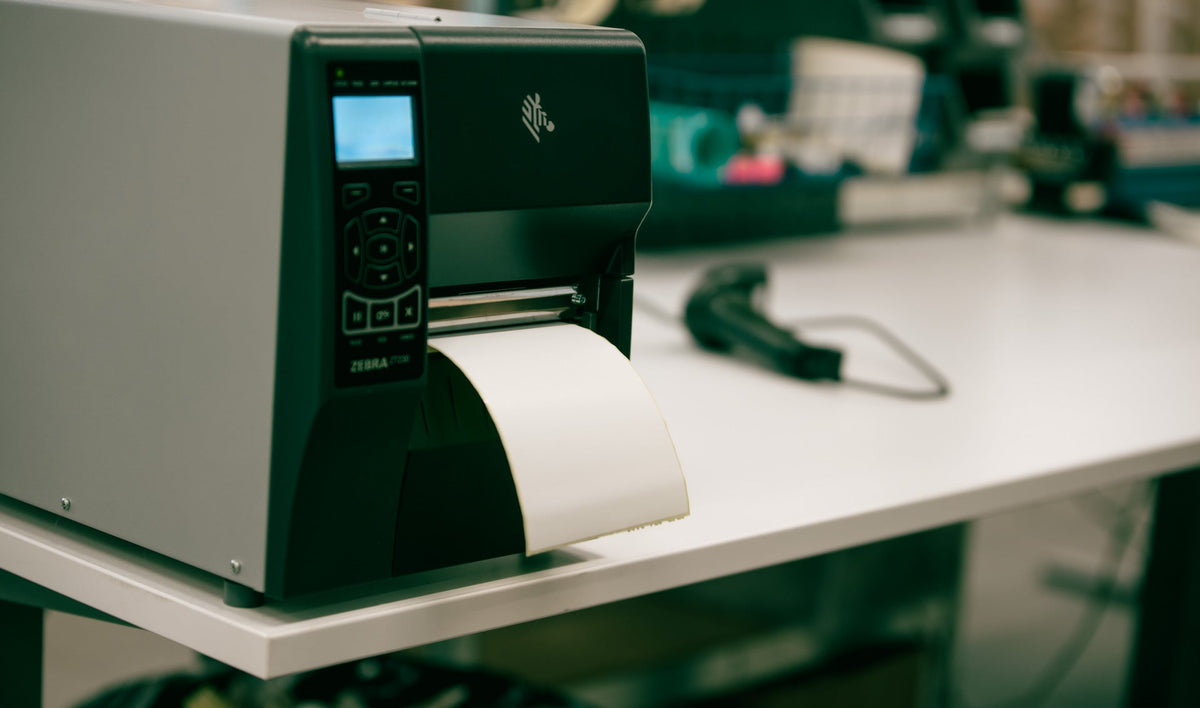
One-line definition: bulk printing shipping labels means generating and printing labels for many Shopify orders in one batch - filtered by carrier, location, or order type - instead of opening and printing each order individually.
There's a moment every growing Shopify store hits where label printing stops being a quick task and becomes the thing that eats the morning. Ten orders, no problem. But somewhere past thirty or forty a day, opening each order, creating the label, printing it, and moving to the next one turns into an hour or more of pure clicking - time that produces nothing except labels. Bulk printing is how you get that hour back. Here's how the manual way actually works, what it's costing you, and where an app changes the math.
The manual way, honestly
How you print labels manually depends on where your store is based, and this trips up a lot of merchants.
If you're in the US, Canada, or Australia, Shopify's native label buying lets you purchase and print a label from inside the order. It's competent, but it's built around the single order: open it, buy the label, print, repeat. Shopify has added the ability to select multiple orders and print in bulk, which helps - but you're still tied to the carriers Shopify supports natively, and the flow is basic once your needs go beyond one or two carriers.
If you're based in the Nordics or most of the EU, it's rougher. Shopify's native label buying isn't even available to you, so the "manual" method usually means logging into each carrier's own portal - Posti, PostNord, Bring - copying order details across, generating the label there, and printing it. Now multiply that by every order, across multiple carrier portals, and you can see how a mid-size store loses serious time to it.
Either way, the manual method shares the same flaw: it treats each label as its own little project, when what you actually have is a stack of them to get through.
What bulk printing actually saves you
The time cost of manual printing is easy to underestimate because each individual label feels quick. Do the arithmetic and it stops feeling quick.
Say a label takes 45 seconds end to end when done one at a time - opening the order, creating the label, printing, setting it aside. That's conservative once you factor in carrier portal logins and the occasional address fix. At 60 orders a day, that's 45 minutes of clicking. Across a six-day shipping week, close to five hours - most of a working day - spent producing labels.
Bulk printing collapses that. You select the day's orders, generate all the labels at once, and send them to the printer as a single run. The same 60 labels that took 45 minutes come out in a few minutes of setup plus printing time. The saving isn't marginal; it's the difference between one person spending their morning on labels and spending it on something that grows the business.
There's a second, quieter saving too: fewer mistakes. Batch flows pull the address and order data straight from Shopify, so you're not re-keying anything, and re-keying is where wrong-address surcharges and misdeliveries come from.
Manual vs. app: the honest comparison
Here's how the two approaches stack up for a store shipping any real volume.
| Manual (native or carrier portal) | Shipping app | |
|---|---|---|
| Labels per action | One at a time (or basic multi-select) | Whole batch at once |
| Carriers | Native carriers only, or one portal at a time | Multiple carriers in one place |
| Filtering | Limited | By carrier, location, order type |
| Re-keying data | Often, especially via portals | None - pulled from the order |
| Packing slips | Separate step | Printed alongside labels |
| Realistic ceiling | Fine to ~30-40 orders/day | Scales into the hundreds |
The pattern is clear: manual works until it doesn't, and the ceiling arrives sooner than most merchants expect.
Doing it with an app
A shipping app turns label printing from a per-order task into a batch operation. In Packrooster Shipping, you select the orders you want to ship, generate the labels together, and print them in one run - and you can filter the batch by carrier or by warehouse location so each picker gets exactly the stack they need. Because it connects the regional carriers directly, you're not hopping between Posti, PostNord, and Bring portals - it's one flow for all of them.
Labels are only half of a dispatch, though. The packing slip, the shipping label, and the invoice each play a different role, and printing them in sync matters. That's where an order-printing tool earns its place alongside the shipping app: Printrooster handles the packing slips, picking lists, and custom invoices in the same kind of batch flow, so the paperwork that goes in and on the box is produced in one pass rather than three. Together they turn your daily order printing into a single routine instead of a scattered set of tasks.
When manual is fine - and when to switch
None of this means you need an app on day one. If you're shipping a handful of orders a day, with one carrier, and native label buying is available where you are, the manual flow is perfectly reasonable - adding a tool would be cost without much saving. And if you're sending the odd parcel with postage bought at the counter, a clean printed address label is all you need - our free shipping label generator makes one in a minute.
The signal to switch is when label printing starts showing up as a real block of time in your day, when you're juggling more than one carrier, or when you're logging into carrier portals to do it because native shipping doesn't cover you. At that point the hour a day you're spending is more expensive than the app, and the case makes itself.
The test is simple: if you've ever finished printing labels and thought "there has to be a faster way to do this," there is - and it's a batch, not a stack.